

Home/Brochure
Edition 6 · October 2026

The MASS System brochure

Smart solutions for a greater responsibility

Everything you need to know about MASS, the system for managing and governing charitable work, in one document: the ten modules, the features, the technical specification, and why charities have trusted it for more than 20 years.

  • PDF
  • 38 pages
  • 4.1 MB
  • Arabic edition
Cover of the MASS System brochure: managing and governing charitable work
0+
years of experience in charitable work
0+
charities and foundations in Kuwait
0
integrated modules
0
single database for every operation
What is MASS?

One platform that runs charitable work, from donation to impact

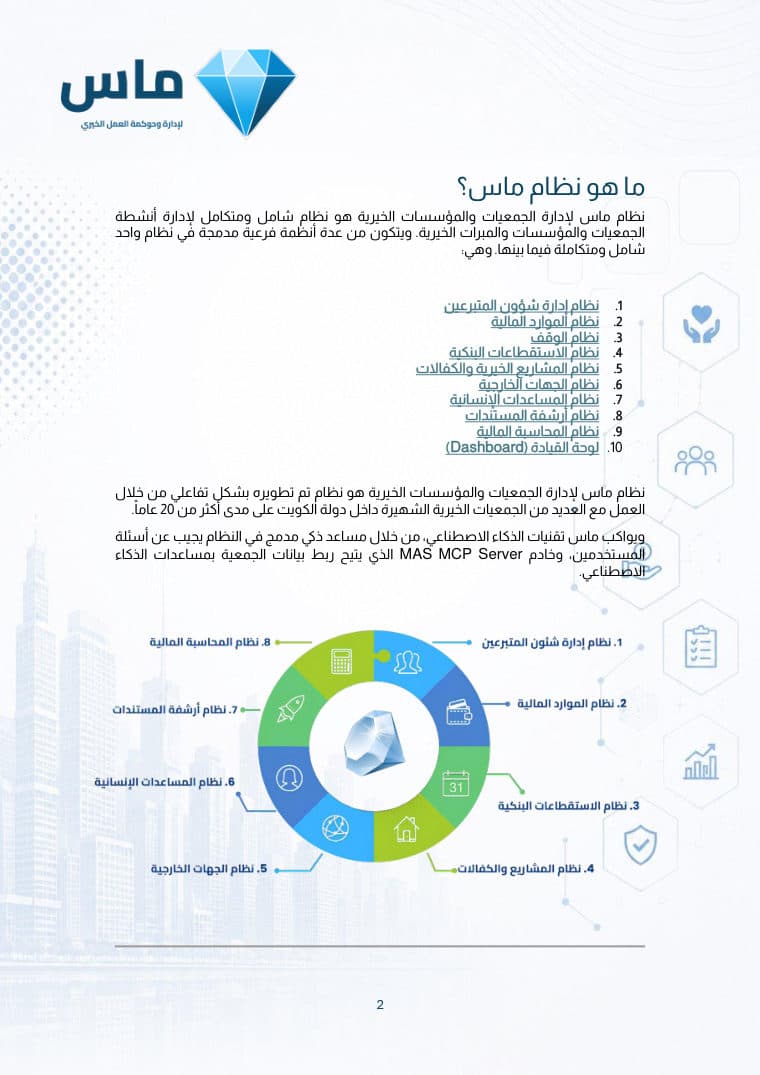
MASS is a complete, integrated system for running the activities of charities, foundations and charitable trusts. It is made up of several modules combined into a single system, all connected to one another.

It was developed hand in hand with many of Kuwait’s best-known charities over more than 20 years.

MASS also keeps pace with artificial intelligence: a built-in AI assistant answers users’ questions, and the MASS MCP Server lets an organisation connect its data to AI assistants.

The value you get

What does MASS give charities?

Four direct gains an organisation feels from the first day it runs the system.

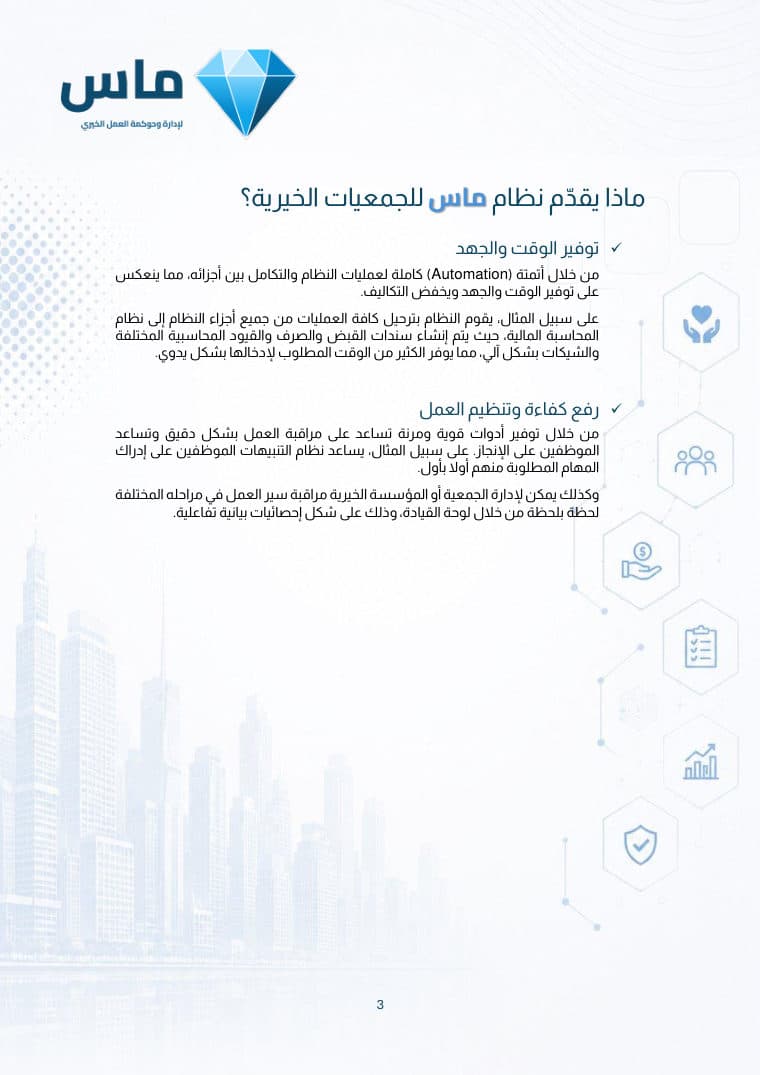
Save time and effort

Full automation of the system’s processes and integration between its parts save time and effort and reduce costs.

For example: Every module posts its transactions to accounting, so receipts, payment vouchers, journal entries and cheques are created automatically, with no manual data entry.

Work more efficiently

Powerful, flexible tools to monitor work accurately and help staff get things done.

For example: Alerts tell each employee what needs doing as it comes up, and the dashboard shows progress moment by moment in interactive charts.

Strengthen donor trust

Tools that help you meet project deadlines and track exactly how donations are spent.

For example: MASS produces professional letters and reports for donors and sends them automatically by email and SMS.

Grow your income

Monitor income, find where and why it falls short so you can recover it, and where and why it grows so you can build on it.

For example: Track stopped, ended and soon-to-end direct debits and contact donors to renew them, and report on top donors and the most-funded projects to sharpen your fundraising.

Built for the AI era

Ask your system in plain language and get the answer straight away

An AI assistant built into MASS, and an MCP server that opens your organisation’s data to AI assistants, securely and within each user’s permissions.

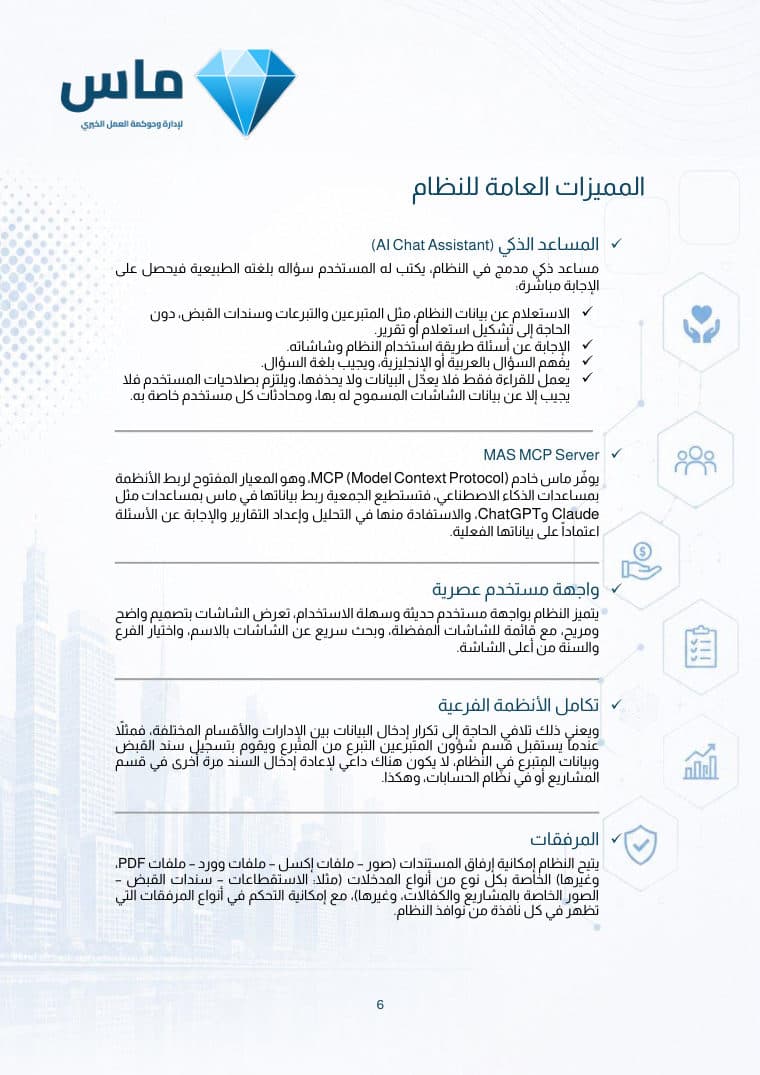
AI Chat Assistant

An assistant built into the system: users type their question in their own words and get the answer directly.

  • Looks up system data such as donors, donations and receipts, without building a query or a report.
  • Answers questions about how to use the system and its screens.
  • Understands questions in Arabic or English and answers in the same language.
  • Read-only: it never edits or deletes data, it respects each user’s permissions, and each user’s conversations stay private.

MASS MCP Server

MASS provides an MCP (Model Context Protocol) server, the open standard for connecting systems to AI assistants. Organisations can connect their MASS data to assistants such as Claude and ChatGPT and use them for analysis, reporting and answering questions based on their real data.

The modules

Ten modules, one integrated system

They all share one database, so a donation is recorded once and flows through to projects, accounts and reports.

  1. Donor management

    Everything to do with donors: their details, requests and complaints, through to receivables and correspondence, with every report and query you need.

    • Donor records
    • Complaints and requests
    • Merge duplicate donors
    • Receivables follow-up
    • Thank-you letters
    • Visit log
    • Field agent tasks
    Details on page 19
  2. Financial resources

    Record direct donations (cash, cheque, KNET, bank transfer), print receipts and track receipt books, and import website donations and route them automatically.

    • Donation receipts
    • Gold receipts
    • Receipt books
    • Website donation import
    • Automatic routing
    Details on page 21
  3. Endowments (Waqf)

    Record and track donors’ endowments, with automatic tracking of what has been paid and what remains, and distribution of endowment returns as separate income.

    • Donor endowments
    • Collected and outstanding
    • Approval workflow
    • Returns distribution
    • Distribution vouchers
    Details on page 23
  4. Bank direct debits

    Record and track bank direct debits, and read the monthly debit files from every bank automatically.

    • Direct debit books
    • Bank file import
    • Import templates
    • Automatic and manual routing
    • Rejected and stopped debits
    Details on page 24
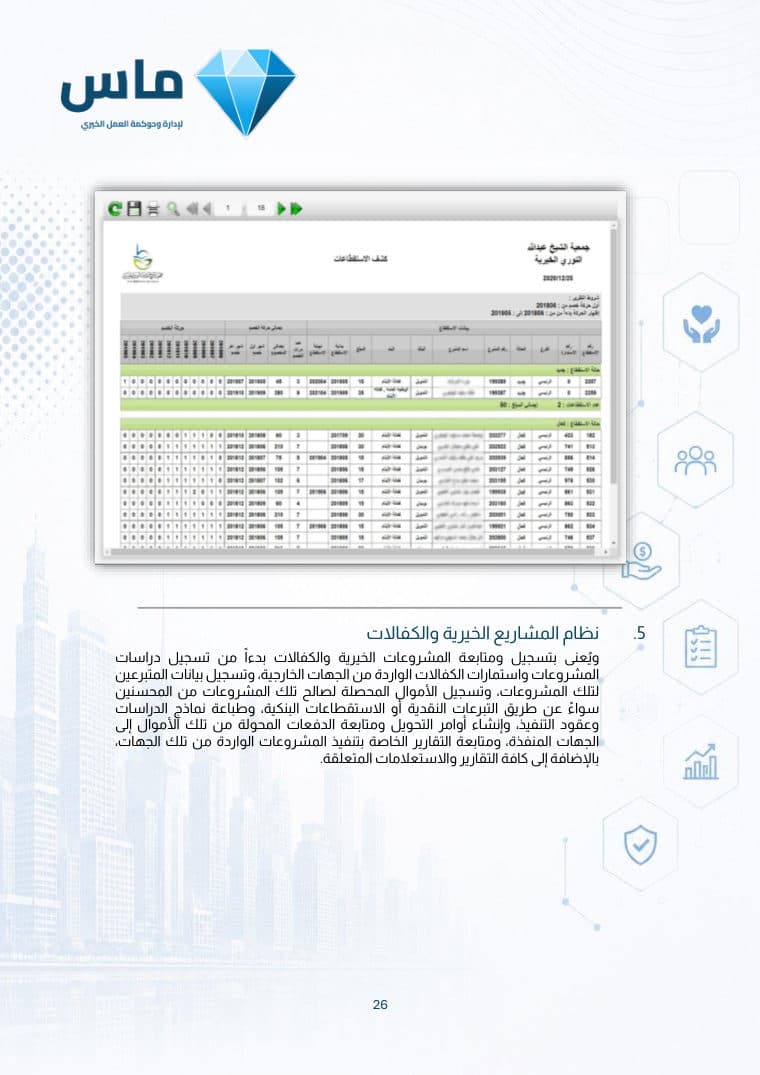
  5. Charitable projects and sponsorships

    From project studies and sponsorship forms to collecting funds, transfer orders, payment tracking and implementation reports from partner organisations.

    • Ministry licences
    • Annual plan
    • Construction projects
    • Orphan and family sponsorships
    • Implementation reports
    • Payment orders
    Details on page 26
  6. External partners

    Lets partner organisations submit project studies, sponsorships and implementation reports online for approval, and look up their own records.

    • Project studies
    • Sponsorship forms
    • Implementation reports
    • Online approval
    Details on page 31
  7. Humanitarian aid

    Record cases and their documents and field visits, and the aid committee’s minutes and decisions, through to automatically generated payment orders.

    • Beneficiary files
    • Aid requests
    • Field research
    • Committee minutes
    • Seasonal projects
    Details on page 31
  8. Document archiving

    An organised digital archive in nested folders, with fast search, tags and alerts for documents that need follow-up.

    • Nested folders
    • Tags
    • Fast search
    • Follow-up alerts
    • Export to Excel, Word and PDF
    Details on page 34
  9. Financial accounting

    Financial transactions from every module post automatically to journal entries, following posting rules your organisation defines, with no re-entry.

    • Posting rules
    • Receipt review
    • Payment order posting
    • Posting reversal
    • Posting logs
    Details on page 35
  10. Dashboard

    A live picture of your organisation’s performance in interactive dashboards, filtered by branch, year, month and income source.

    • Activity and project income
    • Total resources
    • New donors
    • Project tracking
    • Customisable panels
    Details on page 36
General features

Features that work on every screen

From forgiving search to workflows and permissions, each feature is designed around the daily work of a charity.

Ease and flexibility

  • A modern interface

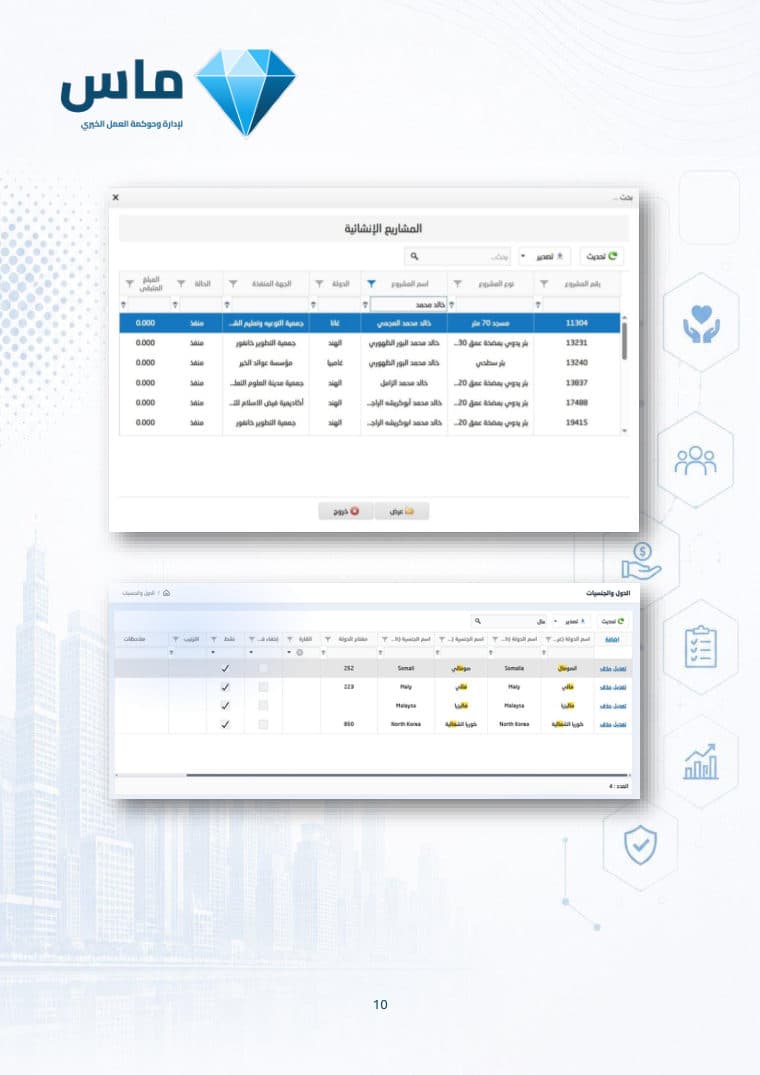
    A clear, comfortable design with favourite screens, quick screen search, and branch and year selection at the top.

  • Forgiving search

    Find any record from part of a name, a title or a phone number, ignoring common Arabic spelling variations and extra spaces.

  • Flexible queries and reports

    Multi-select, configurable conditions and sorting, detail or totals, and export to Excel, Word and PDF.

  • Speed and performance

    Fast browsing of very large data sets and fast reports and queries.

Security and governance

  • Secure and stable

    Runs on Microsoft SQL Server, one of the most powerful and widely used databases in the world.

  • Branches and permissions

    Each user is tied to a branch and a set of permissions and sees only their own work, with a usage log of user, date, device and screen.

  • An audit trail on every record

    Who created each record and when, and who last changed it and when.

  • Workflows

    Records move between people according to their permissions, with a full history of every status change.

Communication and productivity

  • Connected modules

    A donation is recorded once and flows through to projects and accounts, with no duplicate entry between departments.

  • Alerts

    Reminders of due work for specific users, departments or roles, such as donor receivables and overdue project reports.

  • Correspondence

    Send reports and letters to donors and partner organisations by email, WhatsApp and SMS.

  • Printouts and attachments

    Forms and reports designed for your organisation, and images, Excel, Word and PDF files attached to any record.

Why MASS?

Because MASS wasn’t designed from outside charitable work. It grew up inside it.

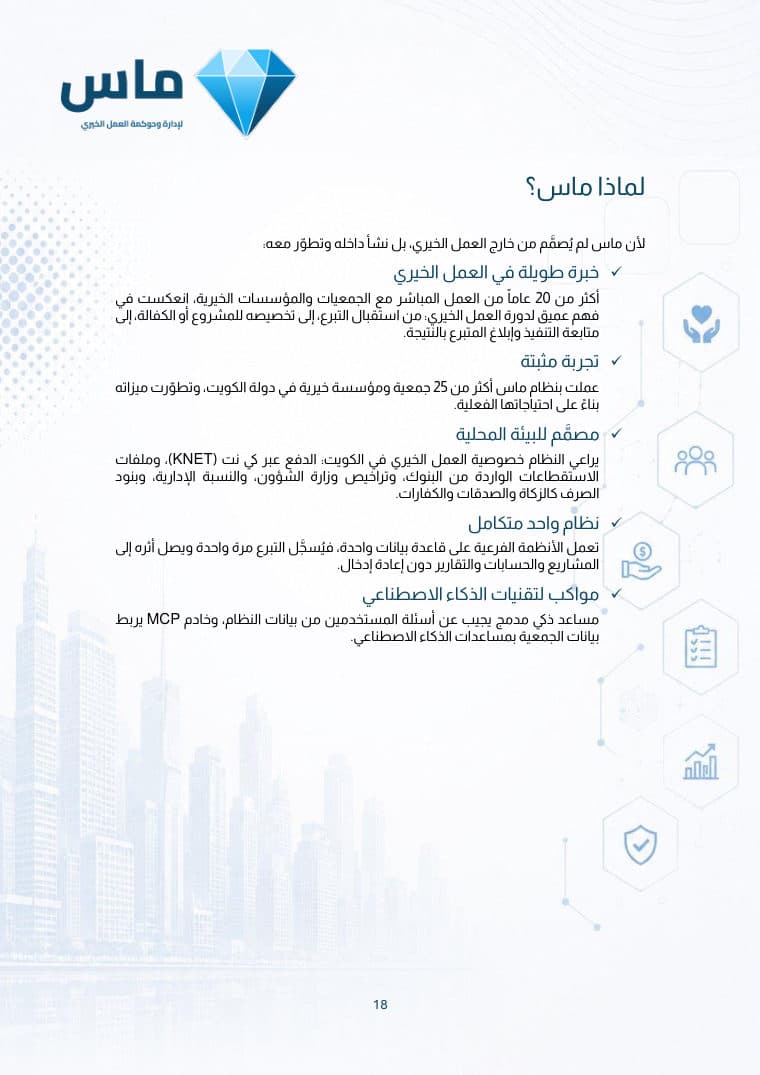
  1. Long experience in charitable work

    More than 20 years working directly with charities and foundations, reflected in a deep understanding of the charitable cycle: receiving a donation, allocating it to a project or sponsorship, tracking delivery and reporting the outcome to the donor.

  2. A proven track record

    More than 25 charities and foundations in Kuwait have worked with MASS, and its features have grown from their real needs.

  3. Designed for the local context

    It handles what is specific to charitable work in Kuwait: KNET payments, direct debit files from banks, Ministry of Social Affairs licences, the administrative percentage, and spending categories such as zakat, sadaqah and kaffarah.

  4. One integrated system

    All modules share one database, so a donation is recorded once and reaches projects, accounts and reports without re-entry.

  5. Keeping pace with AI

    A built-in assistant answers users’ questions from system data, and an MCP server connects the organisation’s data to AI assistants.

Get your copy of the brochure

38 pages that explain MASS in detail, with screenshots. Share it with your board and your team, then book a demo and we will show you the system in action.

  • PDF
  • 38 pages
  • 4.1 MB
  • Arabic edition